
Meta Description:
Fix graphics driver crashing in Windows 10/11 with proven solutions. Resolve GPU crashes, freezing, and display issues quickly.
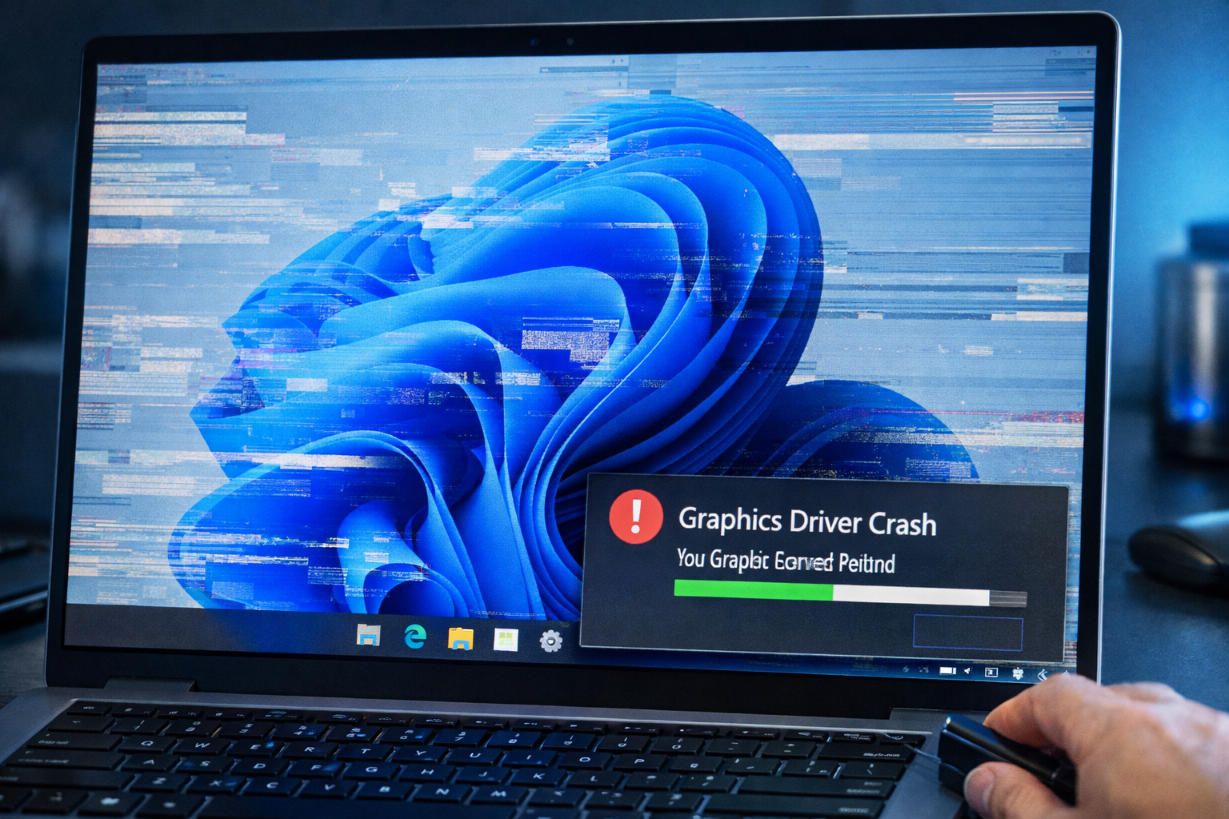
What Does “Graphics Driver Crashing” Mean?
The graphics driver crashing issue occurs when the GPU driver stops responding or fails, causing screen freezes, flickering, or crashes.
This often affects:
- Gaming performance
- Video playback
- Graphic-intensive apps
Common Symptoms
- Screen flickering
- Black screen
- App or game crashes
- “Display driver stopped responding” error
Main Causes
- Outdated GPU drivers
- Overheating GPU
- Windows update conflicts
- Overclocking issues
- Corrupted driver files
How to Fix Graphics Driver Crashing
Follow these methods step by step:
1. Update Graphics Driver
Steps:
- Press
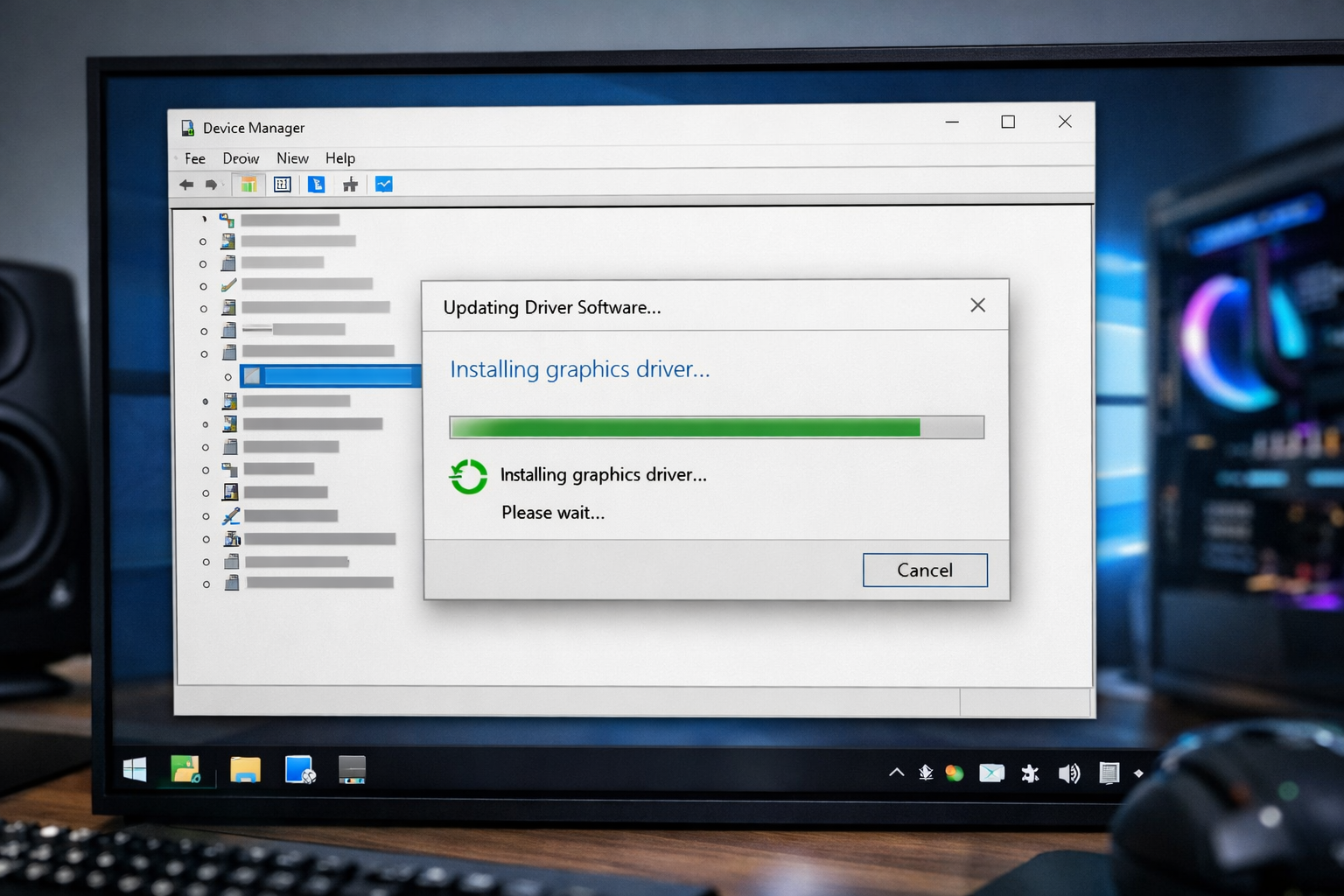
Windows + X→ Device Manager - Expand Display adapters
- Right-click GPU → Update driver
2. Reinstall Graphics Driver (Clean Install)
Steps:
- Uninstall GPU driver
- Restart PC
- Install latest driver from official website
👉 Related article:
Driver Not Installing Fix
3. Roll Back Driver
If the issue started after update:
Steps:
- Open Device Manager
- GPU → Properties
- Click Roll Back Driver
4. Disable Hardware Acceleration
Turn off in apps like:
- Chrome
- Discord
- Video players
5. Check GPU Temperature
- Clean dust
- Ensure proper cooling
- Avoid overheating
6. Disable Overclocking
Reset GPU settings to default.
7. Update Windows
Install latest updates.
8. Run System File Repair
sfc /scannow
DISM /Online /Cleanup-Image /RestoreHealth
👉 Related article:
VIDEO_TDR_FAILURE Fix
Advanced Fix
Use Official GPU Tools
- NVIDIA Control Panel
- AMD Software
Prevention Tips
- Keep GPU drivers updated
- Avoid overheating
- Use stable driver versions
Frequently Asked Questions (FAQ)
Why does my graphics driver keep crashing?
Usually due to outdated drivers, overheating, or system conflicts.
Can GPU overheating cause crashes?
Yes, high temperatures can crash drivers.
Should I reinstall drivers?
Yes, clean installation often fixes the issue.
Related Articles
🔗 Explore More Fixes
Looking for more Windows solutions?
👉 Complete BSOD Fix Guide