
Meta Description:
Fix WiFi driver missing in Windows 10/11 with step-by-step solutions. Restore wireless connection quickly and safely.
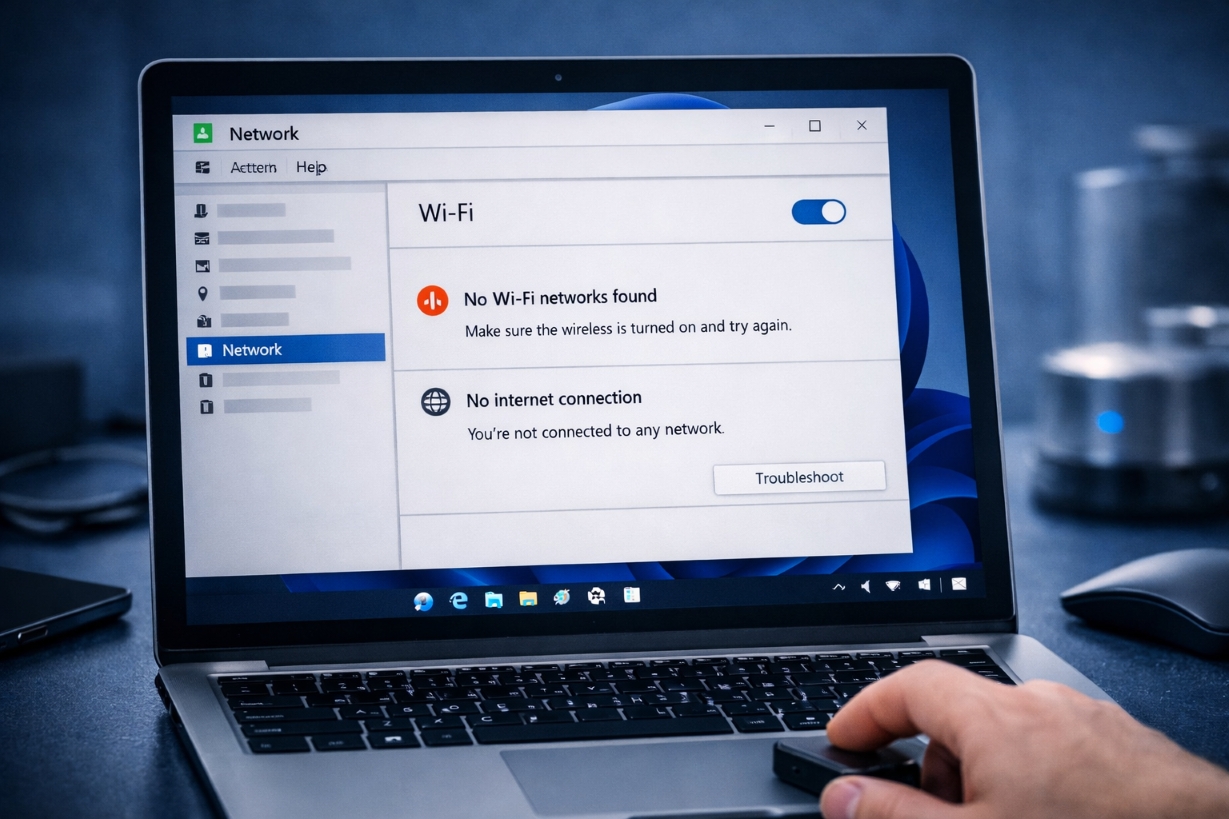
What Does “WiFi Driver Missing” Mean?
The WiFi driver missing issue occurs when Windows cannot detect your wireless adapter due to missing, corrupted, or incompatible drivers.
As a result:
- WiFi option disappears
- No wireless networks found
- Internet connection unavailable
Common Symptoms
- WiFi icon missing
- No networks available
- Wireless adapter not in Device Manager
- Internet only works via Ethernet
Main Causes
- Driver deletion or corruption
- Windows update issues
- Disabled network adapter
- Incorrect driver installation
- Hardware problems
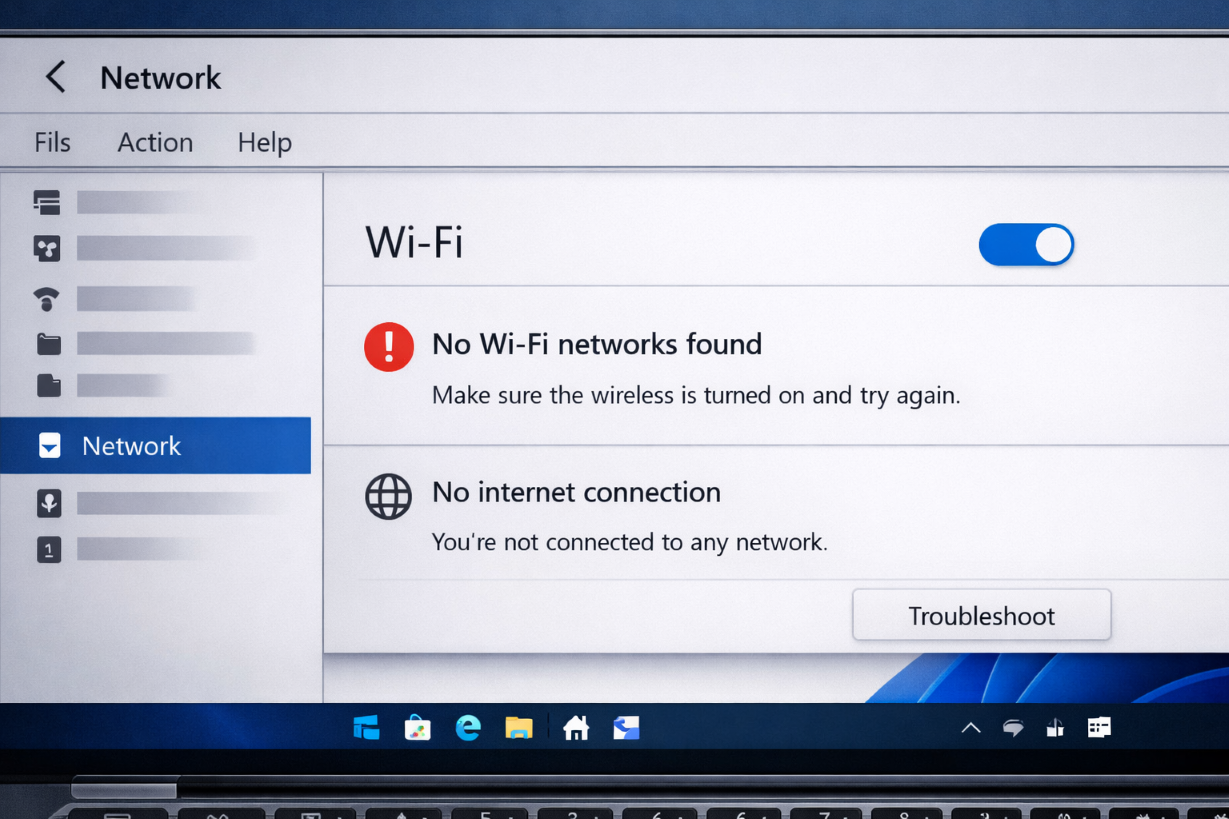
How to Fix WiFi Driver Missing
Follow these methods step by step:
1. Restart Your Computer
Sometimes Windows fails to load drivers properly.
2. Check Device Manager
Steps:
- Press
Windows + X→ Device Manager - Look under Network adapters
- Check if WiFi adapter exists
3. Show Hidden Devices
Steps:
- Open Device Manager
- Click View → Show hidden devices
- Check for wireless adapter
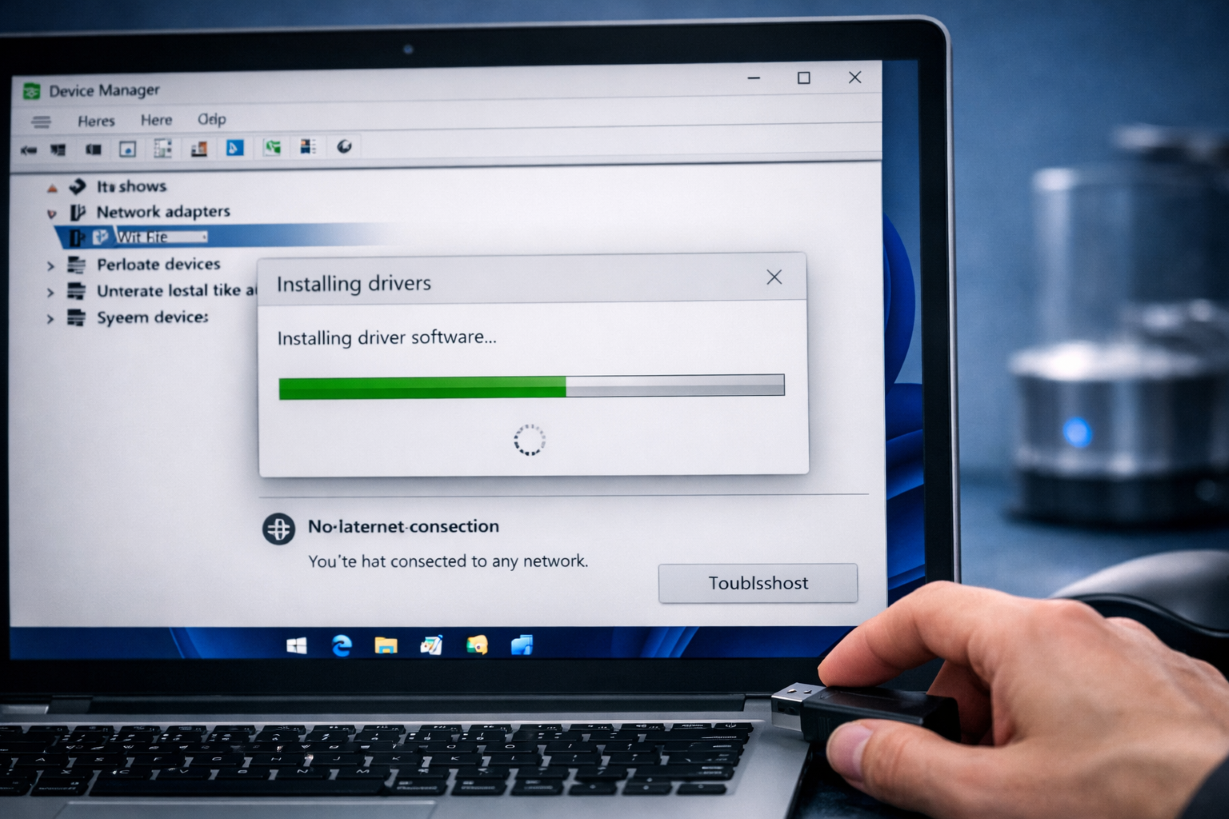
4. Install WiFi Driver Manually
Steps:
- Download driver from manufacturer website
- Transfer via USB
- Install manually
👉 Related article:
Driver Not Installing Fix
5. Enable Network Adapter
Steps:
- Press
Windows + R - Type
ncpa.cpl - Right-click WiFi → Enable
6. Run Network Troubleshooter
Go to:
Settings → Network & Internet → Troubleshoot
7. Reset Network Settings
Steps:
- Open Settings
- Go to Network & Internet
- Click Network reset
8. Update Windows
Install latest updates to restore missing drivers.
9. Check BIOS Settings
Ensure wireless adapter is enabled in BIOS.
10. Run System File Repair
sfc /scannow
DISM /Online /Cleanup-Image /RestoreHealth
👉 Related article:
WHEA_UNCORRECTABLE_ERROR Fix
Advanced Fix
Use USB WiFi Adapter
If internal adapter fails, use external USB WiFi.
Prevention Tips
- Keep drivers updated
- Avoid forced shutdowns
- Backup drivers regularly
Frequently Asked Questions (FAQ)
Why is my WiFi driver missing?
This happens due to driver corruption, updates, or hardware issues.
Can I reinstall WiFi driver without internet?
Yes, download it on another device and transfer via USB.
Is this a hardware problem?
It can be, especially if the adapter is not detected at all.
Related Articles
🔗 Explore More Fixes
Looking for more Windows solutions?
👉 Complete BSOD Fix Guide