
Meta Description:
Fix Unknown Device in Device Manager on Windows 10/11 with step-by-step solutions. Resolve driver issues quickly and safely.
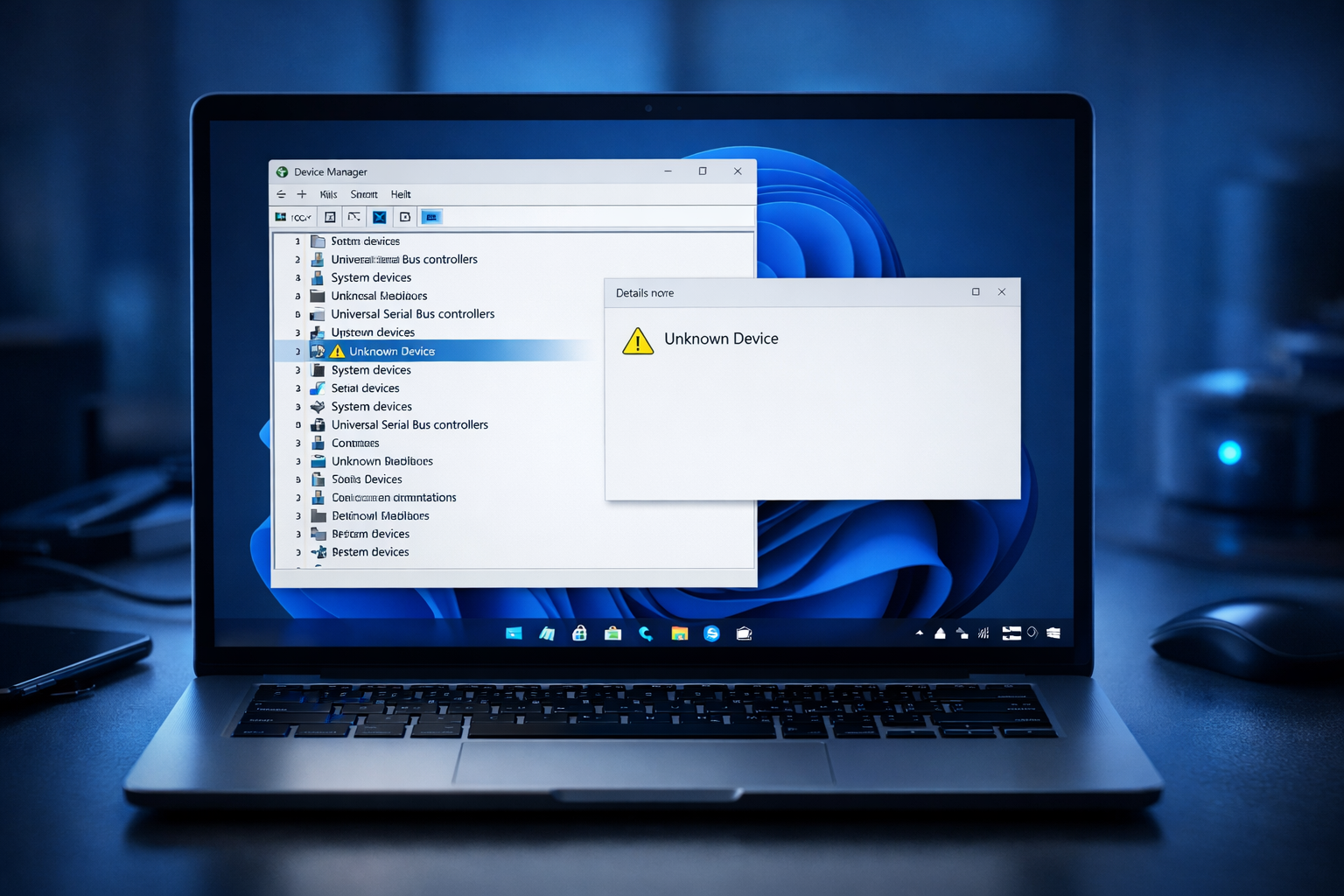
What Is “Unknown Device” in Device Manager?
The Unknown Device error appears when Windows cannot identify a hardware component due to missing or incorrect drivers.
This means the system recognizes a device but doesn’t know how to communicate with it.
Common Symptoms
- “Unknown Device” in Device Manager
- Yellow warning icon ⚠️
- Hardware not working properly
- Missing drivers after Windows update
Main Causes
- Missing drivers
- Outdated drivers
- Hardware changes
- Windows update issues
- Corrupted system files
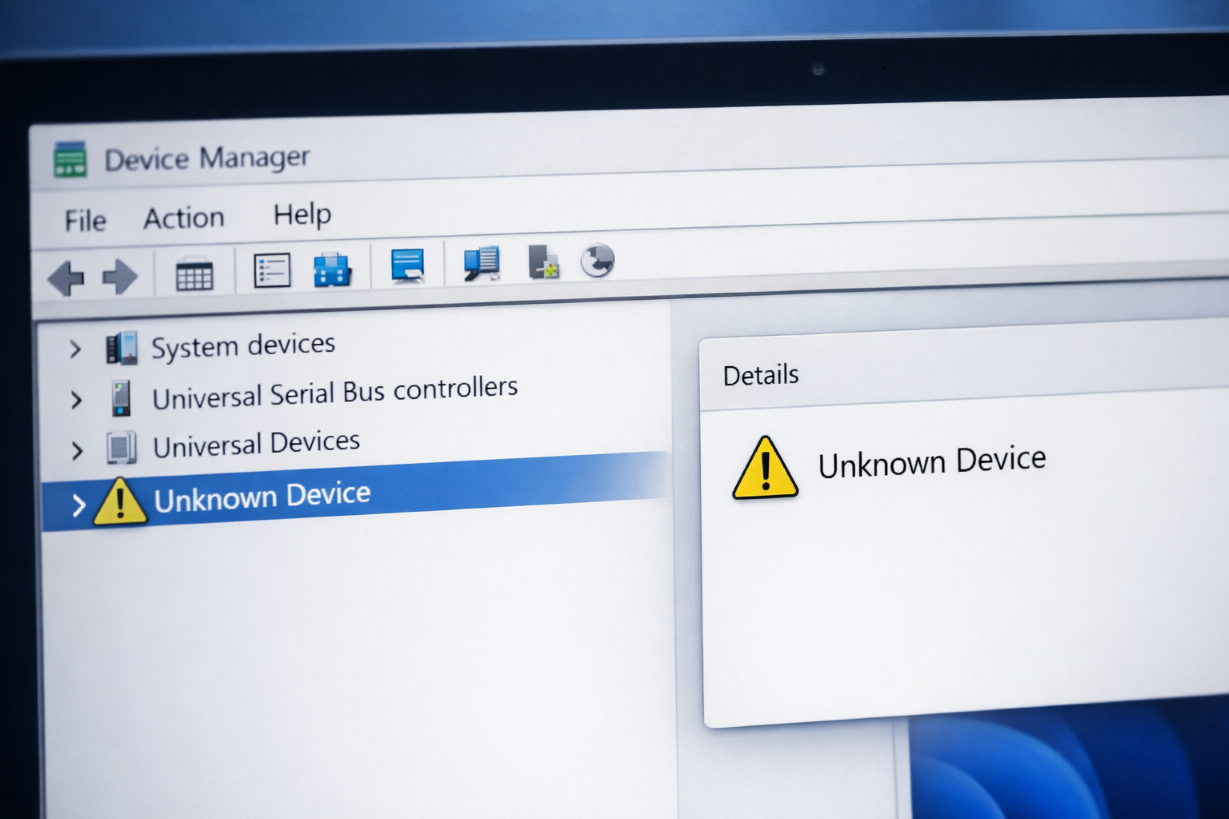
How to Fix Unknown Device in Device Manager
Follow these methods step by step:
1. Update Driver Automatically
Steps:
- Press
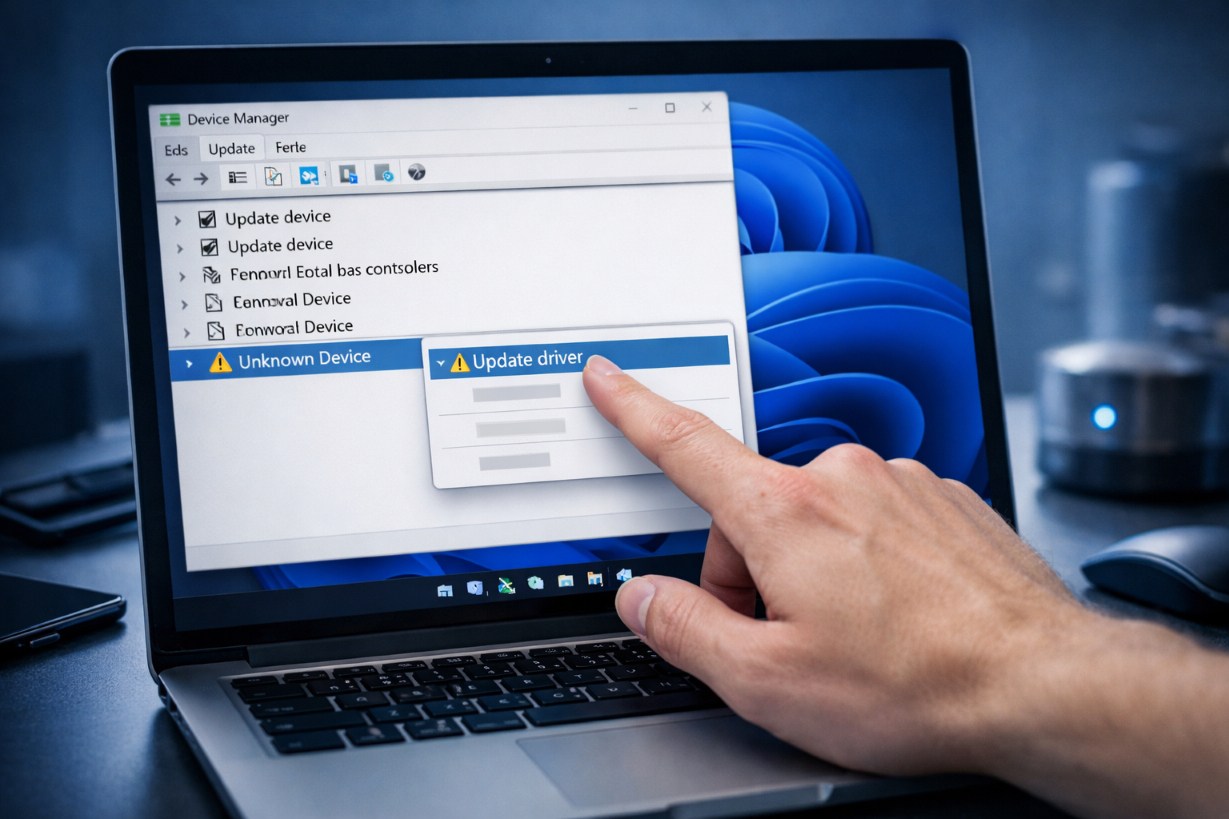
Windows + X→ Device Manager - Right-click Unknown Device
- Select Update driver
- Choose Search automatically for drivers
2. Install Driver Manually
Steps:
- Right-click Unknown Device
- Select Update driver
- Click Browse my computer for drivers
- Select driver folder
👉 Related article:
Driver Not Installing Fix
3. Identify Device Using Hardware ID
Steps:
- Right-click Unknown Device → Properties
- Go to Details tab
- Select Hardware Ids
- Copy and search online
4. Run Windows Update
Go to:
Settings → Windows Update → Check for updates
5. Uninstall and Reinstall Device
Steps:
- Right-click Unknown Device
- Select Uninstall device
- Restart PC
6. Install Chipset Drivers
Chipset drivers often fix unknown devices.
7. Run System File Checker
sfc /scannow
DISM /Online /Cleanup-Image /RestoreHealth
👉 Related article:
SYSTEM_THREAD_EXCEPTION_NOT_HANDLED Fix
8. Check External Devices
- Remove USB devices
- Reconnect hardware
- Test different ports
Advanced Fix
Update BIOS
Outdated BIOS may cause unknown device errors.
Prevention Tips
- Keep drivers updated
- Avoid unknown hardware
- Regularly update Windows
Frequently Asked Questions (FAQ)
What is an Unknown Device in Device Manager?
It is a hardware component that Windows cannot identify due to missing drivers.
Can I remove Unknown Device safely?
Yes, but it may disable the related hardware.
How do I find the correct driver?
Use Hardware ID and search on official manufacturer website.
Related Articles
🔗 Explore More Fixes
Looking for more solutions?
👉 Complete BSOD Fix Guide