
Meta Description:
Fix driver not installing in Windows 10/11 with proven solutions. Step-by-step guide to resolve driver installation issues quickly.
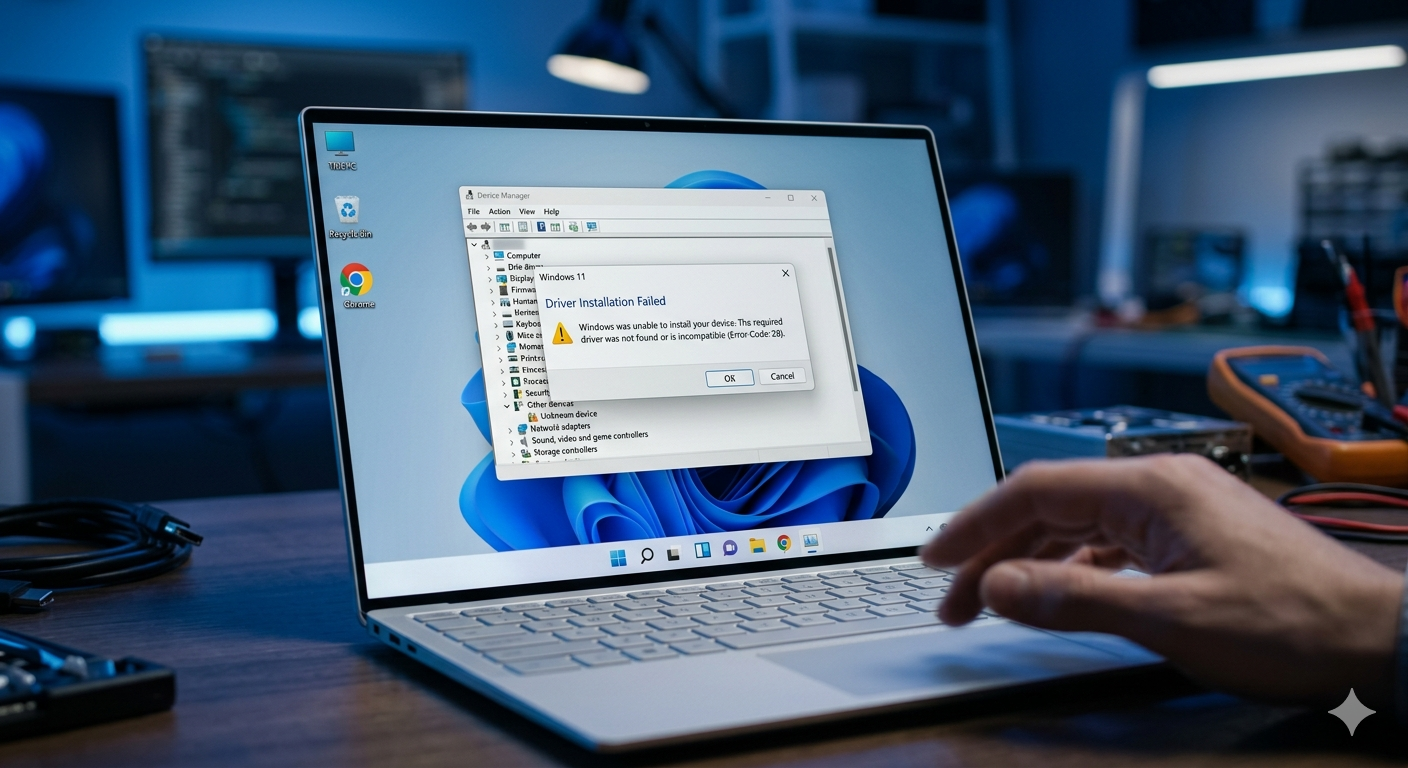
What Does “Driver Not Installing” Mean?
When a driver fails to install in Windows, it means the system cannot properly recognize or configure a hardware device.
This can cause:
- Device not working
- Missing functionality
- Errors in Device Manager
Common Symptoms
- Driver installation fails with error
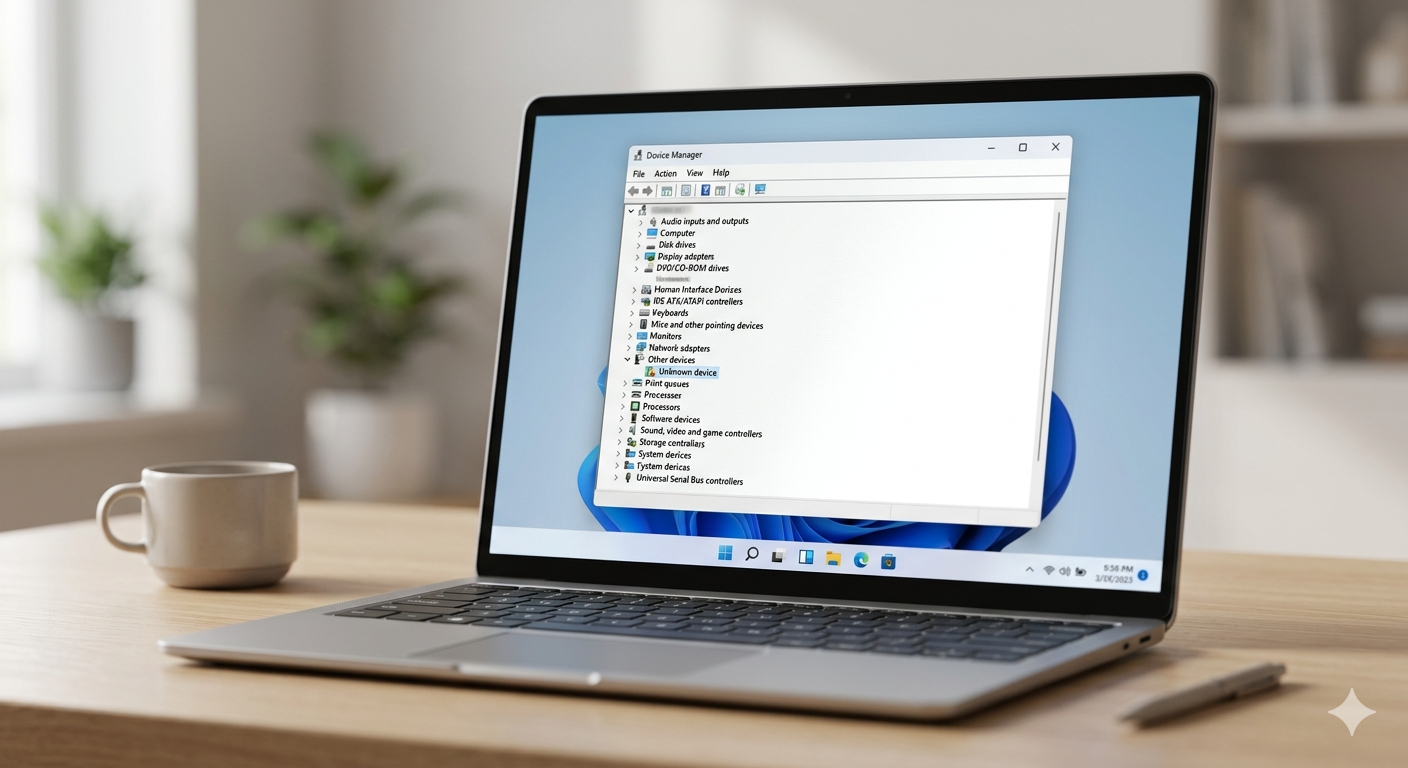
- Device shows as “Unknown Device”
- Yellow warning icon in Device Manager
- Driver setup stuck or crashes
Main Causes
- Incompatible driver version
- Corrupted system files
- Windows update conflicts
- Missing permissions
- Antivirus interference
How to Fix Driver Not Installing
Follow these methods step by step:
1. Run Driver Installer as Administrator
Steps:
- Right-click driver setup file
- Select Run as administrator
- Follow installation process
2. Use Device Manager (Manual Install)
Steps:
- Press
Windows + X→ Device Manager - Right-click device
- Select Update driver
- Choose Browse my computer
3. Check Driver Compatibility
Make sure:
- Driver matches Windows version (10/11)
- Correct 32-bit / 64-bit version
4. Disable Driver Signature Enforcement
Steps:
- Restart into Advanced Startup
- Troubleshoot → Startup Settings
- Press
7to disable enforcement
5. Run System File Repair
sfc /scannow
DISM /Online /Cleanup-Image /RestoreHealth
👉 Related article:
SYSTEM_SERVICE_EXCEPTION Fix
6. Uninstall Previous Driver
Steps:
- Open Device Manager
- Right-click device → Uninstall
- Restart PC
- Install fresh driver
7. Disable Antivirus Temporarily
Some antivirus blocks driver installation.
8. Update Windows
Go to:
Settings → Windows Update → Check for updates
Advanced Fix
Install Driver in Safe Mode
- Boot into Safe Mode
- Install driver manually
Prevention Tips
- Always download drivers from official sources
- Keep Windows updated
- Avoid outdated drivers
Frequently Asked Questions (FAQ)
What causes driver installation failure?
Driver installation fails due to compatibility issues, corrupted files, or system conflicts.
Can I install drivers manually?
Yes, you can install drivers manually using Device Manager.
Is it safe to disable driver signature enforcement?
Yes, but only temporarily and for trusted drivers.
Related Articles
🔗 Explore More Fixes
Looking for more solutions?
👉 Complete BSOD Fix Guide